

Med School Application Organizer
Dear Future Doctor,
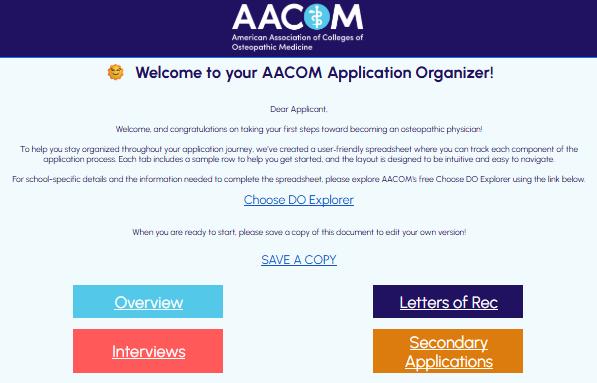
Congratulations on taking your first steps toward becoming an osteopathic physician!
To help you stay organized throughout your application journey, we’ve created a user‑friendly spreadsheet in Google Sheets where you can track each component of the application process. Each tab includes a sample row to help you get started, and the layout is designed to be intuitive and easy to navigate.
For school-specific details needed to complete the spreadsheet, please refer to AACOM's Choose DO Explorer, a free, searchable database of U.S. colleges of osteopathic medicine.
Application Organizer Download Instructions
The link below will create a personal copy of the spreadsheet in your Google Drive.
- When you click the link, you will be prompted to sign in to your Google account.
- You will then be asked to select “Make a copy.”
- After the copy is created, your personal version of the spreadsheet will open automatically and be fully editable.
- Please ensure that you are connected to the internet while working on your spreadsheet so that it will save automatically as you edit it.
- To access your spreadsheet again in the future, simply sign in to your Google Drive or Google sheets and select your spreadsheet to open.
Sample Pages
Applications Overview
22 columns, unlimited rows
Letters of Recommendation
10 columns, unlimited rows
Secondary Applications
9 columns, unlimited rows
Interviews
10 columns, unlimited rows